

Floors
Warehouse Loop
A warehouse loop for South African print and CNC floors, written for crews who need cleaner movement between stock, cutting, and dispatch.
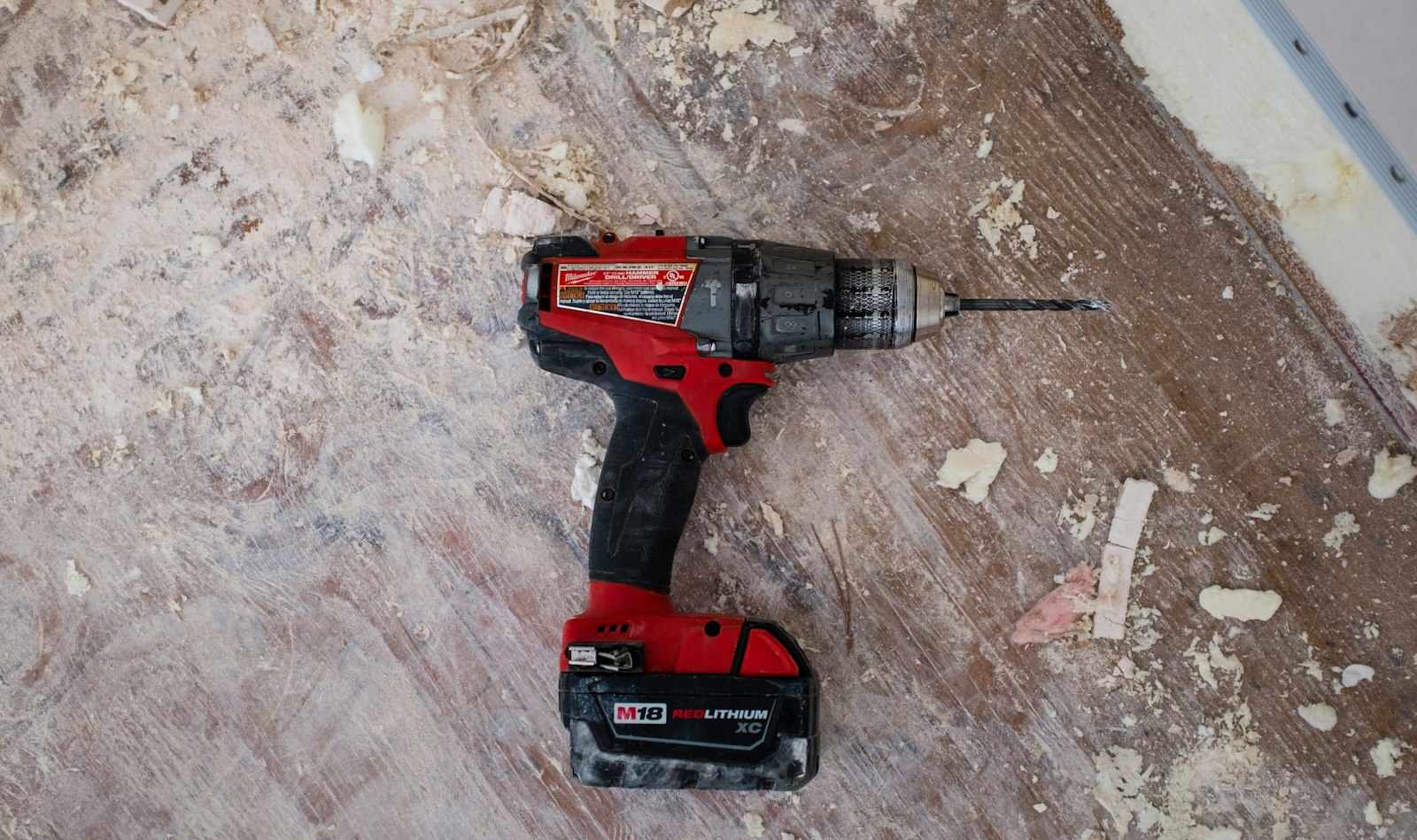
Stock-to-dispatch movement on one site
Warehouse Loop deals with how stock, printing, cutting and dispatch connect on one working floor. The aim is cleaner movement between stations so boards, rolls and finished work do not pile up in the wrong places.
Map where pallets land, where rolls are loaded, where boards wait for cutting, and where packed jobs leave the building. On South African production sites, receiving doors, forklift lanes, inverter changeovers, and courier collection windows often decide whether print and CNC traffic stays clear or bunches up by mid-shift. BrightFrame writes these notes for sign workshops that need cleaner handover between print, trimming, routing, edging, packing, and dispatch.
Photograph the actual choke points before stock is shifted to make the area look tidy. A useful Warehouse Loop record shows pallet positions, operator walk routes, trolley parking, offcut storage, and the queue forming at the cutter or router. That evidence helps separate a layout issue from a media handling problem when boards get scuffed, corners chip, or printed rolls wait too long before finishing.
What the loop should show
Plan a route that makes sense from receiving to final pickup, with checks for each handover between stations. Include who moves rigid media, where part-cut jobs are staged, and how finished work is kept away from raw stock. One workable traffic pattern on a busy production day counts for more than a sketch that ignores trolleys, pack benches, and dispatch pressure.
Link Warehouse Loop with the matching handling note before you change rack positions or move a cutter table. Check that pallet sizes, board thickness, roll widths, trolley type, and packing space match the route shown in the photos.
- Routes set around pallets, rolls, and boards
- Bottlenecks photographed before stock gets shifted
- Notes tied to receiving and dispatch timing
Traffic pressures on SA sites
Warehouse Loop has to account for truck arrivals, shared yard access, older concrete, and dispatch cut-offs that hit before late finishing is done. Sites near Johannesburg freight routes, Durban humidity, or Cape Town winter wet loading areas each create different handling risks for paper-faced board, ACM, PVC, foam board, and printed vinyl. Separate the daily movement problem from a machine fault so crews do not blame the printer when the queue is really at packing or dispatch.
Coastal air can affect how wrapped stock is stored once it comes off the truck, while inland dust builds up on parked sheets and exposed work waiting for routing. Load-shedding changes lift use, charging windows for handling equipment, and the order in which print, cutting, and packing can run. During a site check, mark where scrap bins sit, where offcuts are stacked, and how long finished jobs stand before collection.
Operated by Astros Marketing (Pty) Ltd from 2 Makro Place, Sunnyrock 1401.
Details worth sending first
Send Warehouse Loop details with warehouse photos, receiving flow, dispatch timing, and the issues already affecting print or CNC movement. Keep the subject line specific to the bottleneck.
Send the warehouse photos that show receiving, print loading, cutter access, router outfeed, pack benches, and dispatch doors in one sequence. Add collection times, stock types, trolley or pallet jack use, and the point where work starts backing up. A dated note with those details is far easier to trace when someone asks why media was delayed, damaged, or parked in the wrong zone.
What our Large-Format Print customers say
Verified Google reviews