

Floors
Education Cell
A hands-on education cell for South African training floors, written for operators and lecturers who know the equipment.
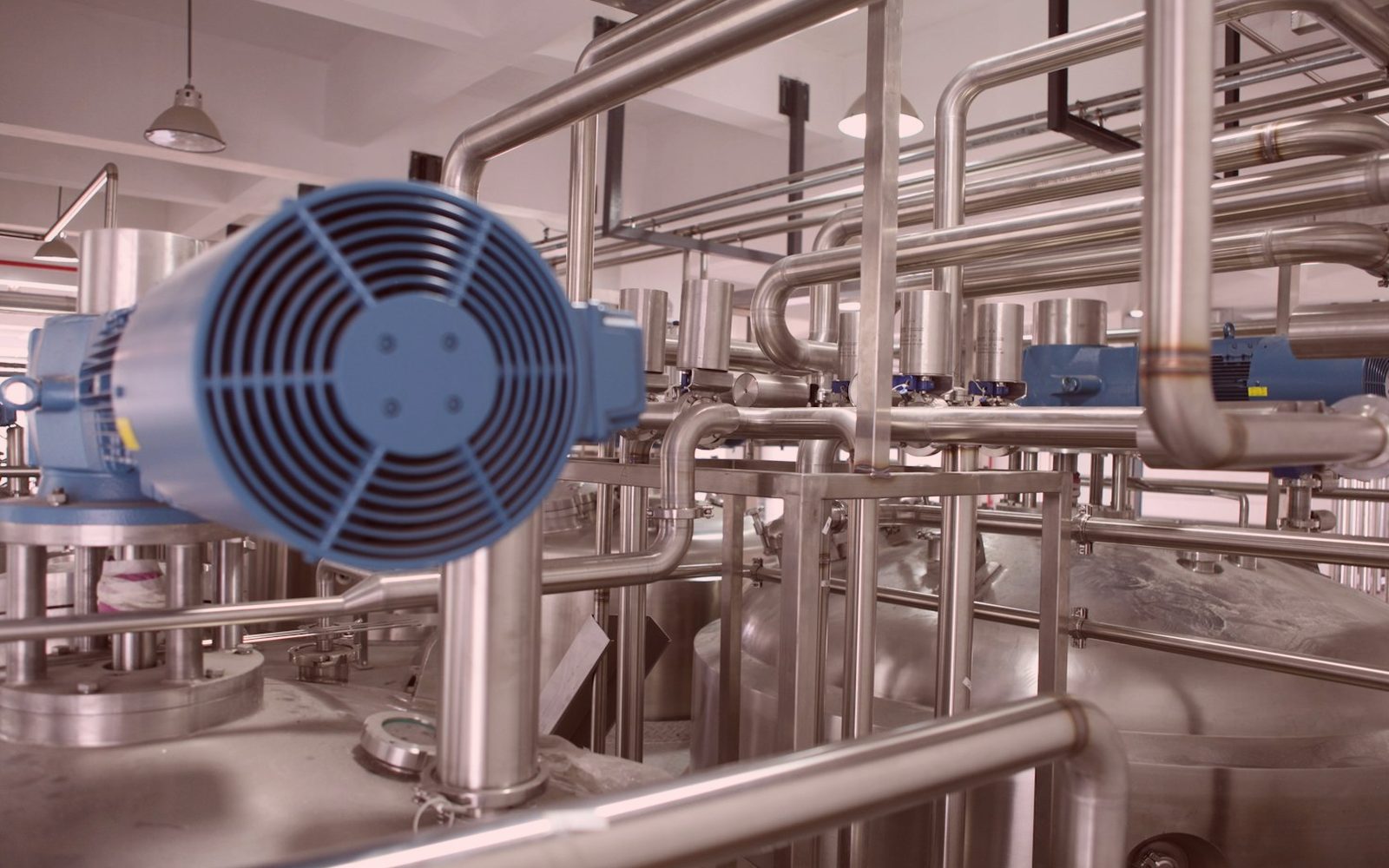
Training setups that survive student use
Education Cell is built for training spaces where operators, lecturers, and students need equipment that can be taught on properly. It focuses on practical setup, safe use, and machine habits that make sense on a hands-on print or CNC floor.
Education Cell is planned for teaching spaces where machines are touched by many hands in one day. We look at the exact printer or router, the material being fed, ventilation in the room, and how power interruptions affect lessons in Johannesburg, Durban, Cape Town, and regional campuses. That changes how a machine should be introduced, shut down, cleaned, and handed over to the next group.
Photos matter most before the first lesson starts and before media is loaded. A clear record of gantry condition, vacuum zones, guards, and printheads gives lecturers and operators something factual to work from when damage, strikes, or poor output shows up later. In a training room, that baseline helps separate learner mistakes from machine faults.
What gets taught on site
The handover centres on routines people can repeat without guessing. That can include media loading, nozzle checks, origin setting, tool length checks, spoilboard care, safe restarts after load-shedding, and the difference between a usable sample run and wasted board. Notes are written so a lecturer can use them in the room, not just file them away.
Send the machine model, room size and the training objective through the contact form. Include what students are running on the equipment now, which materials are kept on hand, and any faults that appear only during classes. If software seats, extraction, or power backup are part of the problem, add that to the same note.
- Lesson-ready checks for shared machines
- Photo record before students start
- Machine notes written for lecturers
Conditions common on SA campuses
Training spaces in South Africa often mix older equipment, tight procurement rules, and rooms not built for dust extraction or solvent use. We account for campus access times, workshop supervision, municipal power issues, and the difference between a demo area and a fully used teaching lab. Those details affect what can be taught safely and what maintenance habits need extra attention.
Coastal humidity can affect media storage, adhesion, and board flatness during print or cut sessions. Inland dust reaches rails, fans, sensors, and vacuum tables faster than many colleges expect. Where outages are common, restart procedure, parking positions, and head cleaning need to be part of the lesson, not an afterthought.
Operated by Astros Marketing (Pty) Ltd from 2 Makro Place, Sunnyrock 1401.
Information to send with photos
Brief Education Cell with floor photos, timing, and the issues already seen. Keep the subject line clear.
Useful briefs name the machine, control software, tooling, materials, and the level of the learners using it. Add close photos of the working area, extraction, panels, and any sample output with visible defects. That gives a cleaner picture of whether the issue sits with teaching method, setup, maintenance, or the machine itself.
What our Large-Format Print customers say
Verified Google reviews